Music History eLearning Lesson
Graduate coursework project
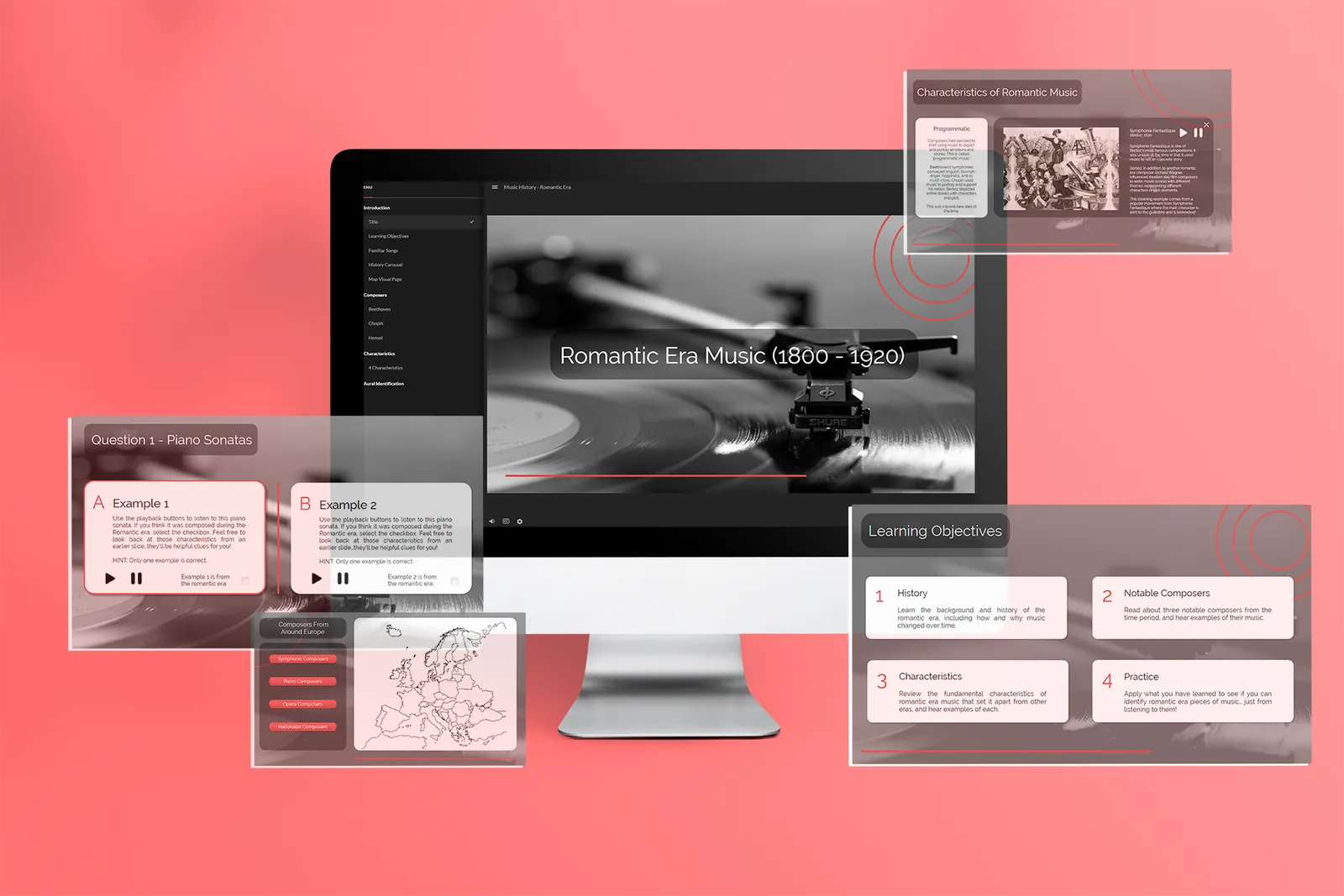
A 30-minute Storyline 360 lesson on Romanticism in music history, designed as a “sub plan” for K12 instrumental music teachers.
The challenge
K12 music teachers often manage very large classes, sometimes more than 50 students at a time. When the teacher is absent, it is hard for a substitute to keep the class in meaningful work, so students used to hands-on rehearsals end up with busy work. I set out to show that other areas of music education, such as history and theory, could be packaged for students to learn without an instructor, giving them exposure to topics that K12 music programs often overlook.
What I made
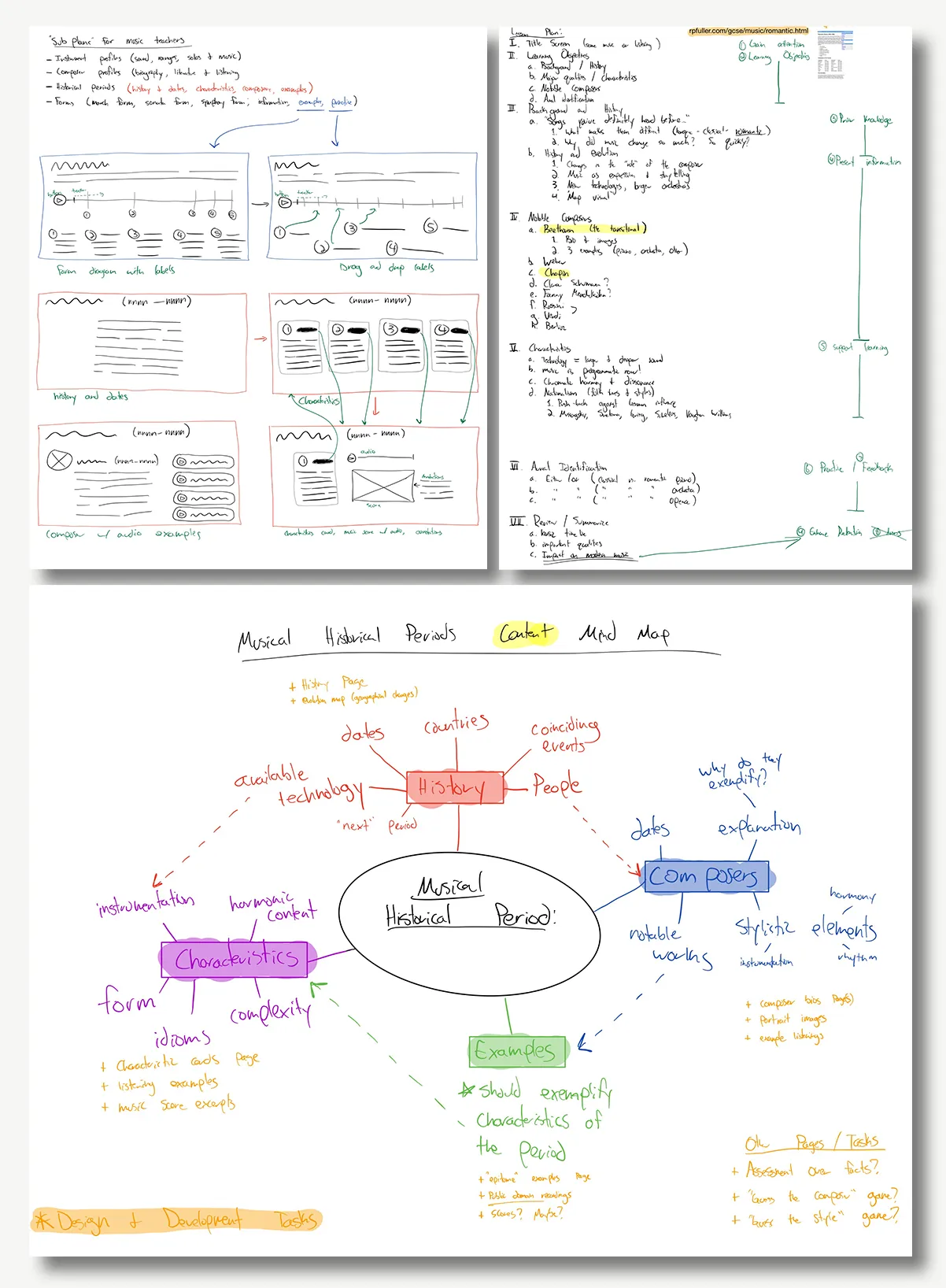
After sketching and wireframing several possible solutions, I chose a music history lesson. I used visual mapping to outline what a lesson on a music history period should cover, then wrote a lesson plan based on Gagné’s nine events of instruction to put the content in sequence. In Storyline 360 I built each slide, wrote and loaded the content, recorded voiceover and closed captions, and added micro-interactions. A sub plan needs substantial content, so I used interactions and animations to let learners control the flow of information and avoid overload. To check for understanding, the lesson includes an aural identification exercise that asks learners to apply what they learned in an authentic musical context.
What I learned
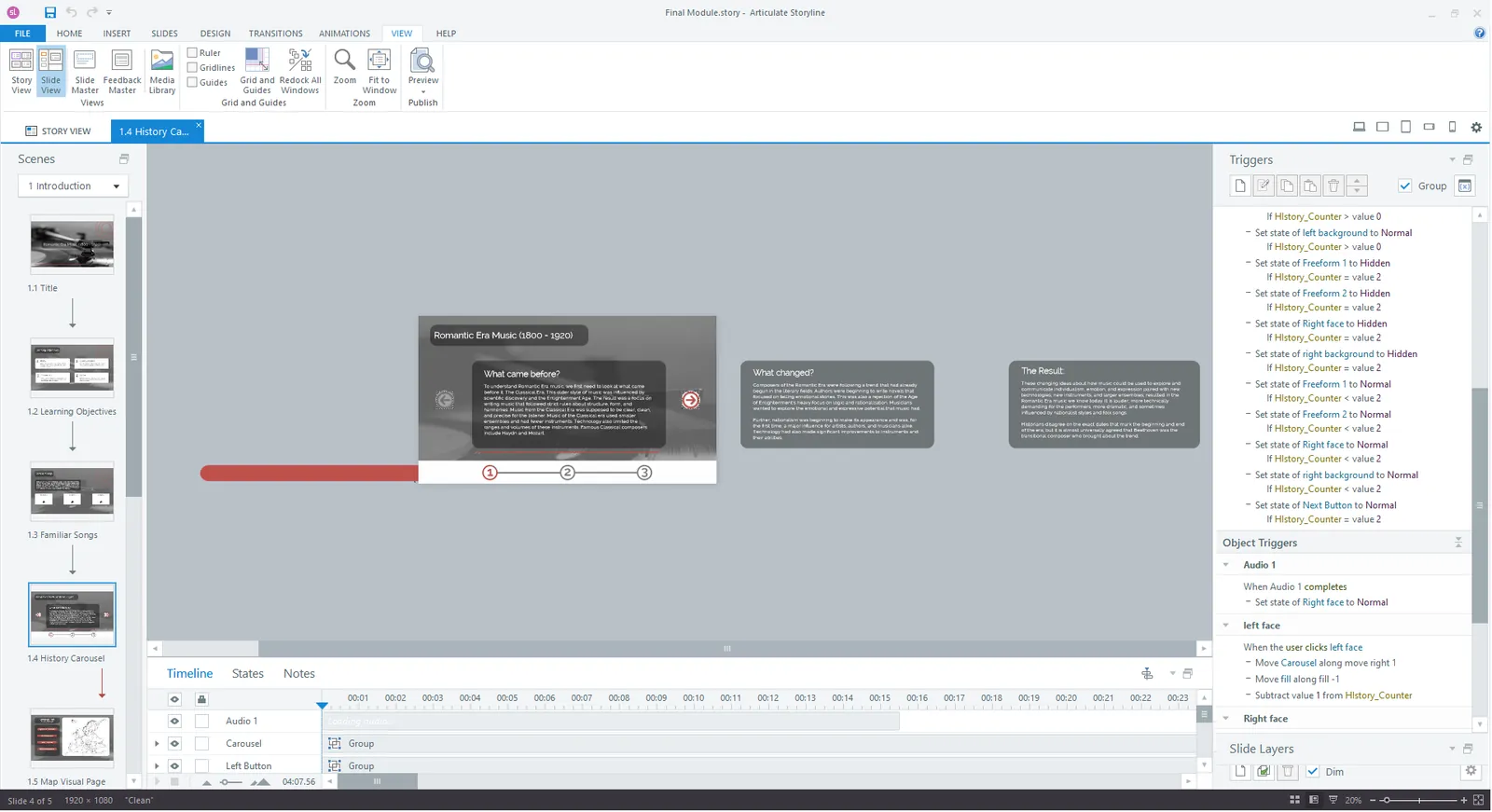
I gained a lot of experience with Storyline’s advanced features, including multi-layered slides, conditional formatting, variables, and animations. The module still has a linear structure, much like a PowerPoint, but those features let learners control the flow and sequence of information, which keeps them more engaged.
Gallery
-
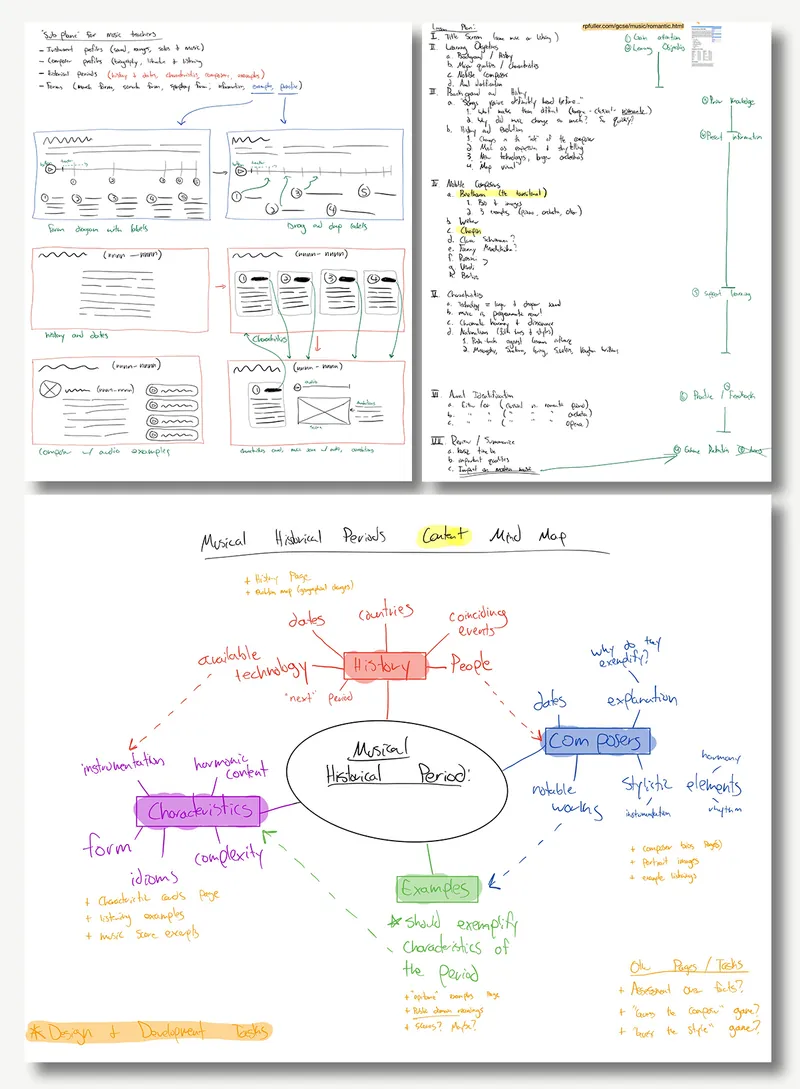
Planning documents including early sketches, a content map, and the lesson plan based on Gagné’s nine events of instruction -
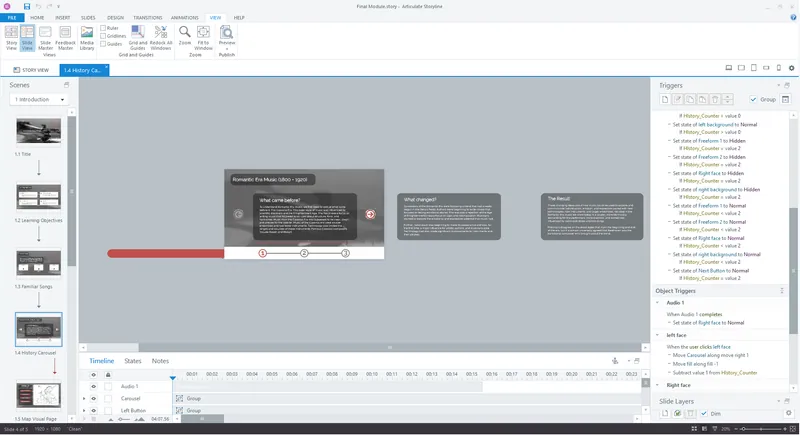
A shot of the Storyline editor showing the variable counter used to manipulate a “carousel” interaction with an animated counter at the bottom -
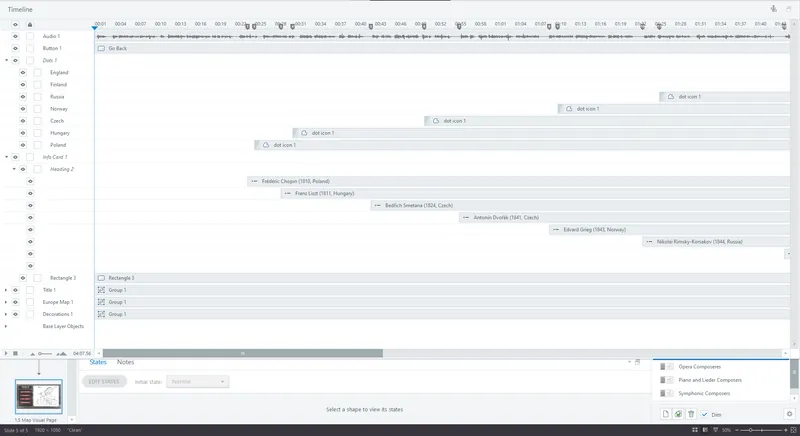
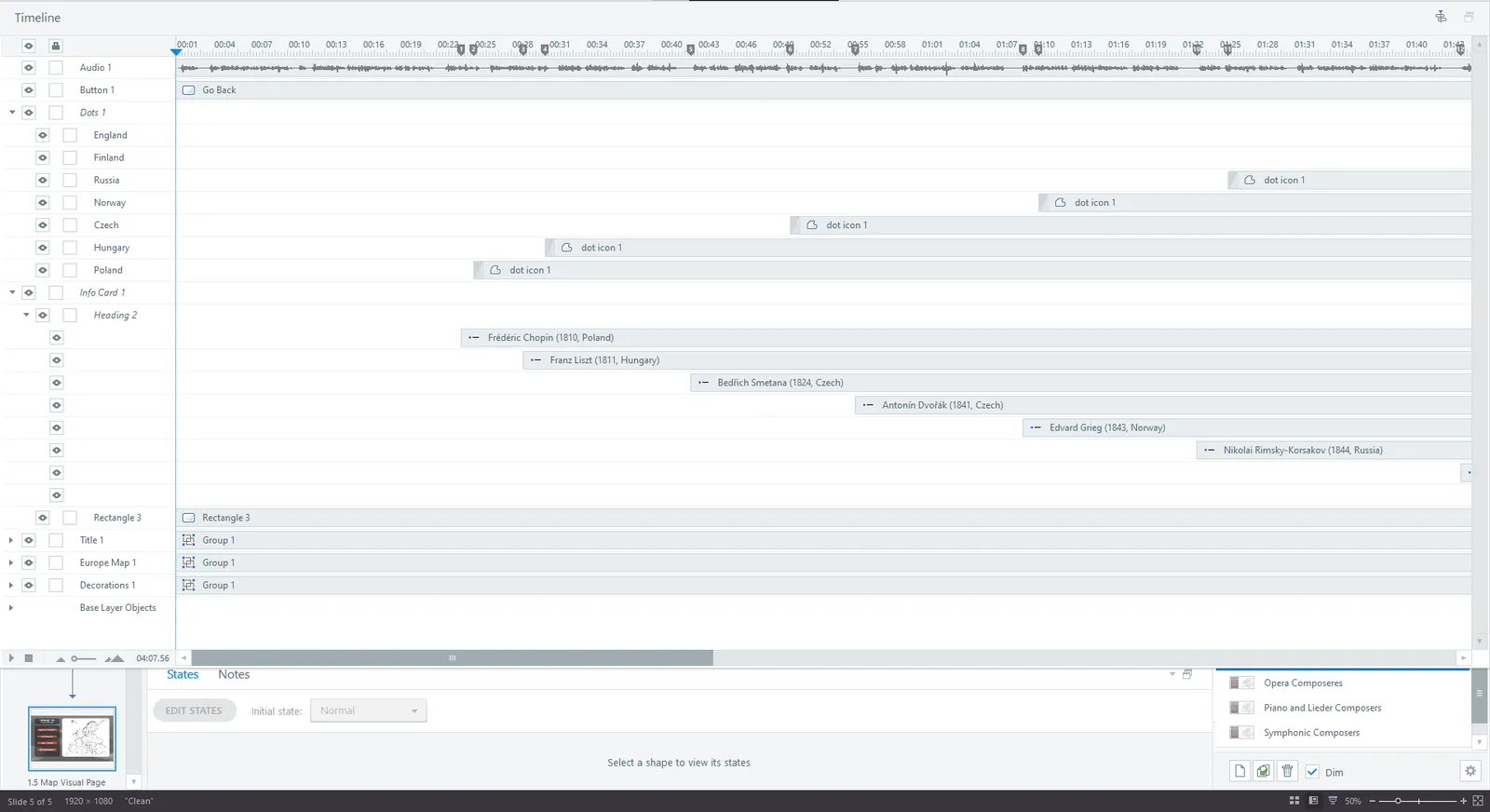
An example of a timeline showing how different elements and objects are custom timed to enter with the spoken dialogue -
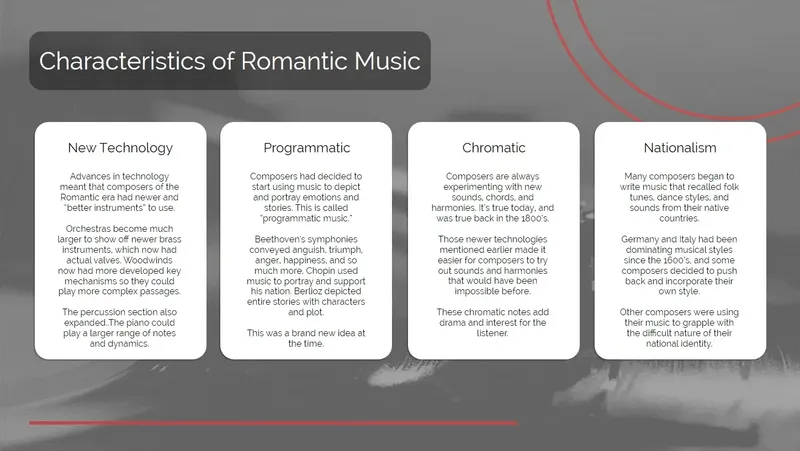

This animation (select to play) shows one of the many micro-interactions that give learners some navigation and control